
12 Python Scripts to Organize Your Daily Workflow
Managing daily tasks can feel overwhelming — but Python can help! With just a few lines of code, you can automate your workflow, boost productivity, and simplify your day. Here are 12 simple Python s

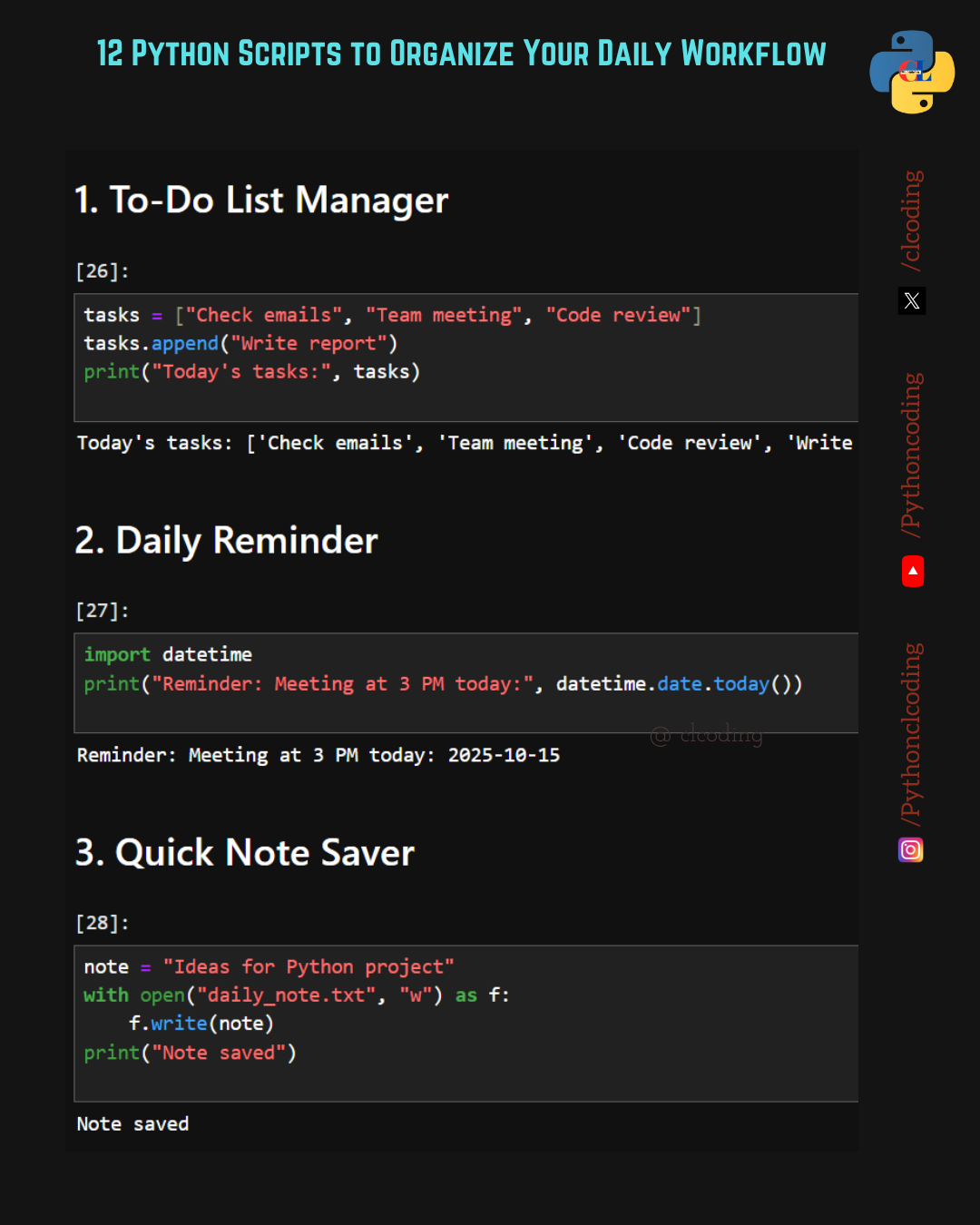
🧾 1. To-Do List Manager
Keep your daily tasks organized in one place.
tasks = [”Check emails”, “Team meeting”, “Code review”]
tasks.append(”Write report”)
print(”Today’s tasks:”, tasks)
🟢 Output:Today’s tasks: [’Check emails’, ‘Team meeting’, ‘Code review’, ‘Write report’]
💡 Manage, add, or remove tasks anytime—your digital task list made easy!
⏰ 2. Daily Reminder
Never miss an important event or meeting.
import datetime
print(”Reminder: Meeting at 3 PM today:”, datetime.date.today())
🟢 Output:Reminder: Meeting at 3 PM today: 2025-10-15
💡 Use this to set up daily alerts or reminders for your routine.
📝 3. Quick Note Saver
Save quick notes, thoughts, or project ideas automatically.
note = “Ideas for Python project”
with open(”daily_note.txt”, “w”) as f:
    f.write(note)
print(”Note saved”)
🟢 Output:Note saved
💡 A great way to capture inspiration instantly.
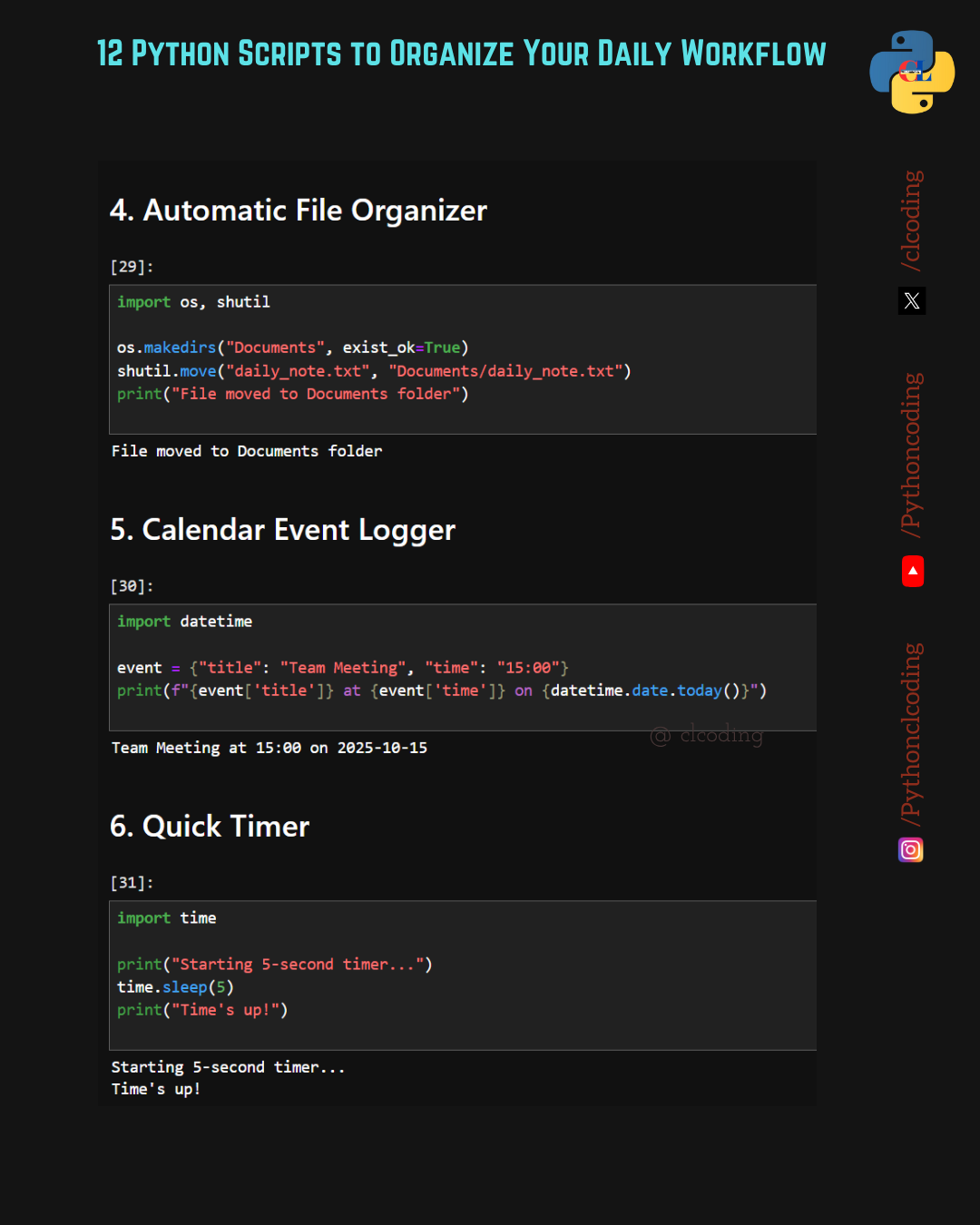
📂 4. Automatic File Organizer
Organize your workspace with this file mover.
import os, shutil
os.makedirs(”Documents”, exist_ok=True)
shutil.move(”daily_note.txt”, “Documents/daily_note.txt”)
print(”File moved to Documents folder”)
🟢 Output:File moved to Documents folder
💡 No more messy folders—Python keeps everything tidy.
📅 5. Calendar Event Logger
Record important events and tasks in seconds.
import datetime
event = {”title”: “Team Meeting”, “time”: “15:00”}
print(f”{event[’title’]} at {event[’time’]} on {datetime.date.today()}”)
🟢 Output:Team Meeting at 15:00 on 2025-10-15
💡 Keep a running log of all your events and deadlines.
⏱️ 6. Quick Timer
Set short timers for focus sessions or breaks.
import time
print(”Starting 5-second timer...”)
time.sleep(5)
print(”Time’s up!”)
🟢 Output:
Starting 5-second timer...
Time’s up!
💡 Perfect for Pomodoro sessions or reminders.
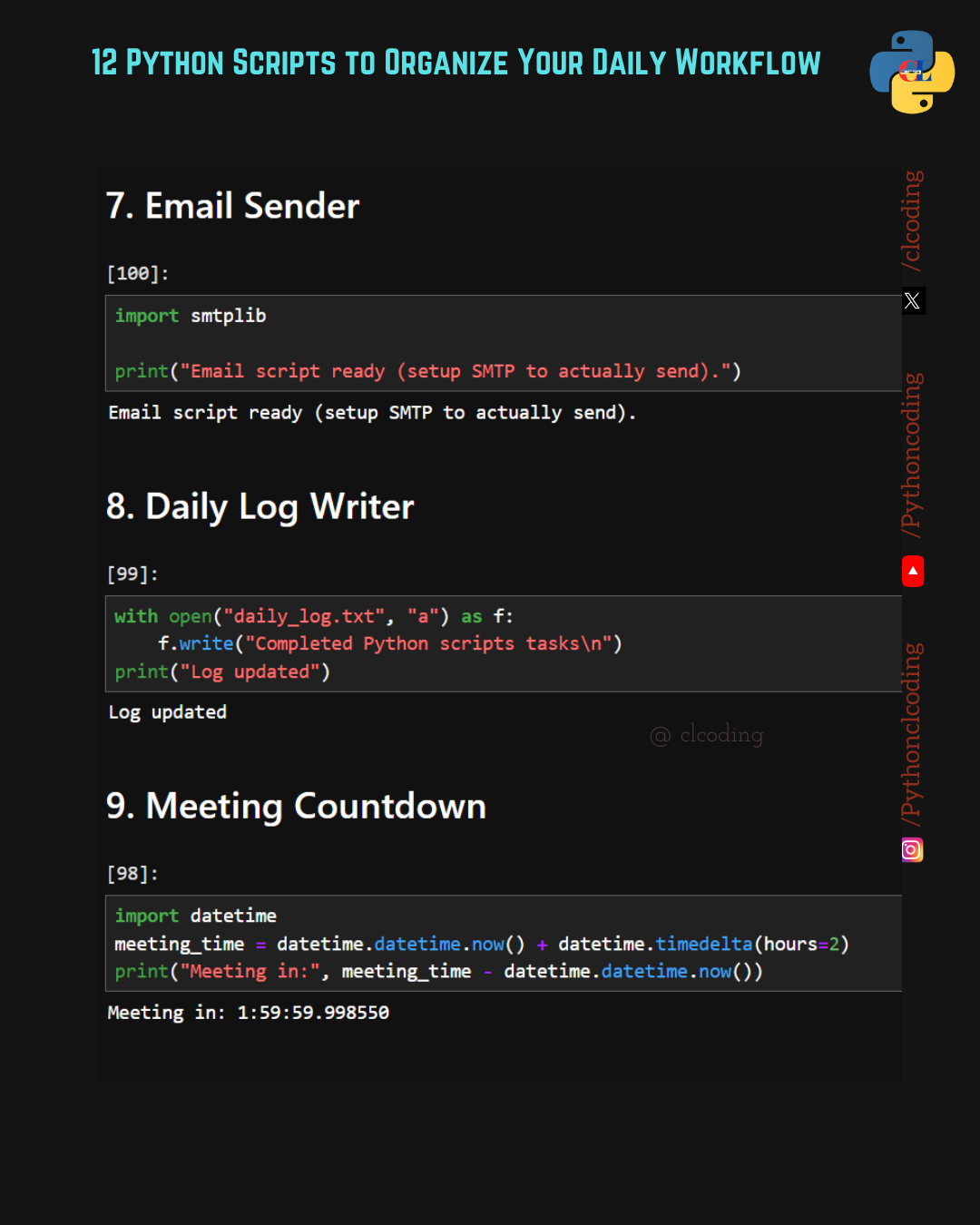
📧 7. Email Sender
Send emails directly from Python (setup SMTP for sending).
import smtplib
print(”Email script ready (setup SMTP to actually send).”)
🟢 Output:Email script ready (setup SMTP to actually send).
💡 Automate daily reports or notifications easily.
🗒️ 8. Daily Log Writer
Keep an auto-updated daily log file of your work.
with open(”daily_log.txt”, “a”) as f:
    f.write(”Completed Python scripts tasks\n”)
print(”Log updated”)
🟢 Output:Log updated
💡 Your digital diary of completed coding tasks.
⏳ 9. Meeting Countdown
Know exactly when your next meeting starts.
import datetime
meeting_time = datetime.datetime.now() + datetime.timedelta(hours=2)
print(”Meeting in:”, meeting_time - datetime.datetime.now())
🟢 Output:Meeting in: 1:59:59.998550
💡 Stay punctual and manage your prep time effectively.
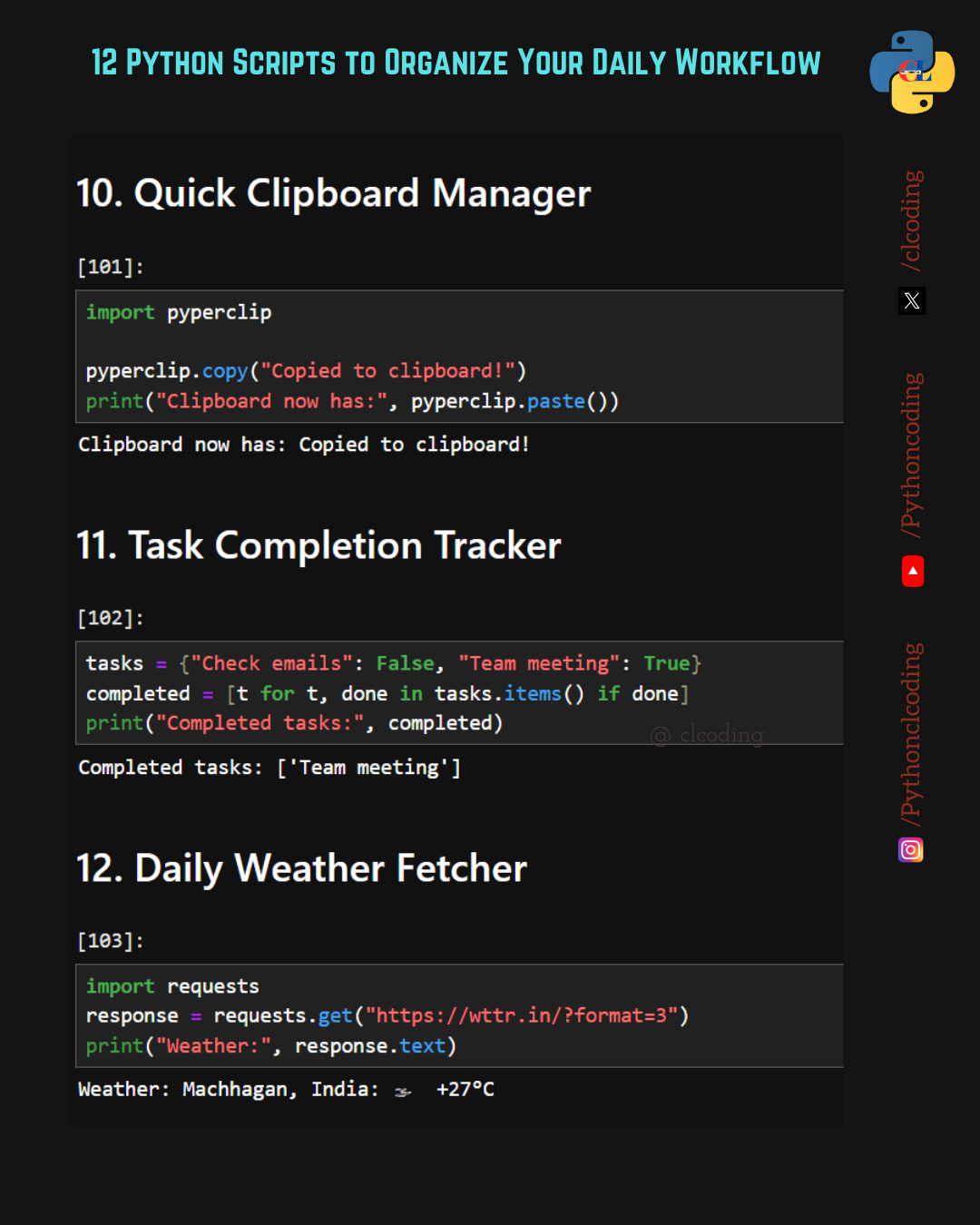
📋 10. Quick Clipboard Manager
Copy and paste with automation!
import pyperclip
pyperclip.copy(”Copied to clipboard!”)
print(”Clipboard now has:”, pyperclip.paste())
🟢 Output:Clipboard now has: Copied to clipboard!
💡 Useful for repetitive text handling or automation scripts.
✅ 11. Task Completion Tracker
Track your completed and pending tasks easily.
tasks = {”Check emails”: False, “Team meeting”: True}
completed = [t for t, done in tasks.items() if done]
print(”Completed tasks:”, completed)
🟢 Output:Completed tasks: [’Team meeting’]
💡 See your progress instantly—motivation guaranteed!
🌦️ 12. Daily Weather Fetcher
Fetch live weather updates right from your terminal.
import requests
response = requests.get(”https://wttr.in/?format=3”)
print(”Weather:”, response.text)
🟢 Output:Weather: Machhagan, India: 🌤️ +27°C
💡 Start your morning with a Python-powered forecast.
💬 Final Thoughts
These 12 Python scripts are simple, practical, and effective tools to help you:
✅ Save time
✅ Stay organized
✅ Automate boring tasks
Try one today—and experience how Python can make your daily workflow smoother and smarter.
Thank you
Always up for getting my life organized. Can it help me out of a marital spat? 🤔